Feel the Virtual: Why Haptic Feedback Is Crucial for Vr Training
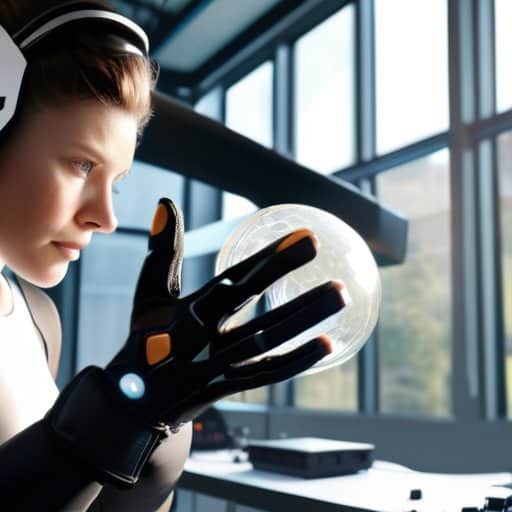
Imagine this: I’m halfway through a simulated engine overhaul, my virtual wrench suddenly vibrates against a stubborn bolt, and the jolt travels straight to my palm. That buzz isn’t just a gimmick—it’s the real power of haptic feedback in VR training, turning abstract code into a tactile lesson you can actually feel. I used to think the tech was a pricey novelty that only game studios cared about, but the moment that vibration synced with my hand, I realized it could shave minutes off a certification course and make muscle memory stick.
In the next few minutes I’ll walk you through exactly how to set up that kind of tactile realism without blowing your budget. You’ll learn which off‑the‑shelf gloves actually deliver the right pulse, how to calibrate intensity so beginners aren’t scared off, and the quick‑fire test drills that turn a dry walkthrough into a hands‑on rehearsal. By the end of this guide you’ll have a plug‑and‑play checklist that takes you from “just watching” to “feeling” every twist, turn, and torque, ready to impress your instructor—or your future self.
Table of Contents
- Project Overview
- Step-by-Step Instructions
- Feel the Future Haptic Feedback in Vr Training
- Force Feedback Simulation Drives Realtime Haptic Rendering in Training
- Virtual Reality Haptic Gloves Tactile Precision for Skill Mastery
- Top 5 Hacks for Mastering Haptic‑Enabled VR Training
- Key Takeaways
- Touching Tomorrow
- Conclusion
- Frequently Asked Questions
Project Overview
Total Time: 3 hours 30 minutes
Estimated Cost: $150 – $300
Difficulty Level: Intermediate
Tools Required
- Microcontroller (e.g., Arduino Nano) (Handles sensor data and motor control)
- Bluetooth Low Energy (BLE) module (Enables wireless communication with the VR system)
- Vibration motor (coin or linear resonant actuator) (Provides tactile feedback)
- Soldering iron (For secure electrical connections)
- Computer with Arduino IDE (Program the microcontroller)
- VR headset (e.g., Oculus Quest) (Runs the training application)
Supplies & Materials
- Battery pack (3.7 V Li‑Po) (Power source for the haptic module)
- Flexible wires (22‑AWG) (Connect components)
- Heat‑shrink tubing (Insulate solder joints)
- 3D‑printed enclosure (approx. 4‑inch cube) (Holds the motor and electronics securely)
- Conductive thread (Optional for wearable haptic straps)
Step-by-Step Instructions
- 1. Start with a clear training objective.
Write down exactly what skill or procedure you want learners to master—whether it’s welding, surgical suturing, or equipment maintenance. Then list the tactile sensations that would reinforce each sub‑task (e.g., a vibration when a drill bit contacts metal, a subtle pulse for tissue resistance). This mapping becomes your haptic blueprint for the whole module. - 2. Pick the right haptic hardware for your scenario.
Research gloves, vests, or handheld controllers that can deliver the forces you need. Look for devices with adjustable intensity, low latency, and SDKs that play nicely with your VR engine. Keep an eye on comfort: a bulky rig will distract learners faster than any realistic feedback. - 3. Hook the haptic SDK into your VR environment.
Follow the manufacturer’s integration guide to import the SDK libraries, set up the communication bridge (usually via USB or Bluetooth), and expose a simple API for triggering feedback events. Test a “ping” signal first—if you feel a tap, you’re on the right track. - 4. Design the training scenarios with tactile moments in mind.
Build each scene so that a haptic cue aligns with a visual or auditory cue. For instance, when a trainee “grabs” a virtual wrench, a gentle squeeze should accompany the visual hand closure. Sketch a storyboard that highlights where each vibration, resistance, or texture occurs, then translate that storyboard into Unity or Unreal scripts. - 5. Calibrate intensity and timing for realism.
Run a quick calibration routine: ask users to rate the strength of a sample vibration on a 1‑10 scale, then adjust the amplitude until the average rating lands around a comfortable 6‑7. Remember to account for individual sensitivity—offer a simple slider in the UI so each learner can fine‑tune their feedback level. - 6. Test with real users and iterate.
Conduct a pilot session with a small group of trainees. Record their performance metrics (error rate, completion time) and ask for qualitative feedback on the haptic feel. If they report “too harsh” or “not noticeable enough,” revisit steps 4 and 5, tweaking the cue placement or intensity until the tactile experience feels natural and supportive. - 7. Document the setup and train the trainers.
Write a concise cheat‑sheet that covers hardware setup, software configuration, and troubleshooting tips (e.g., “If the glove doesn’t vibrate, check the USB hub power”). Then run a short workshop for instructors so they can confidently launch the VR module and keep the haptic experience consistent across sessions.
Feel the Future Haptic Feedback in Vr Training
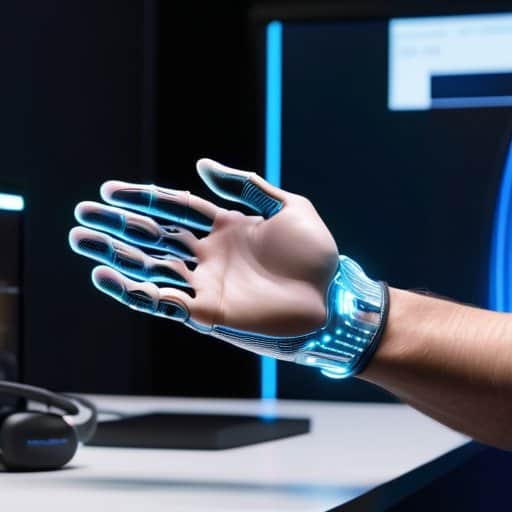
When you’re ready to move beyond the novelty of feeling a virtual screwdriver buzz, the first thing to check is latency. Even a 20‑millisecond lag between your hand movement and the force feedback simulation can break immersion and make the experience feel clunky. Choose immersive VR haptics hardware that advertises sub‑10‑ms response times, and spend a few minutes calibrating your virtual reality haptic gloves to the exact shape of your palm. A quick “wiggle test”—wiggling each finger while the system streams data—lets you spot any drift before a training session starts.
Next, think about the content you’re feeding the gloves. Tactile VR training modules that mimic real‑world textures, from the gritty surface of a bone drill to the subtle “give” of a medical syringe, make the learning curve steeper. For medical schools, pairing haptic technology for medical education with real‑time haptic rendering means students can practice procedures without a cadaver, saving costs and boosting safety. Keep the gloves clean, update firmware regularly, and log any latency spikes; a well‑maintained setup turns a cool demo into a reliable teaching tool. And don’t forget to document each session for future performance analytics.
Force Feedback Simulation Drives Realtime Haptic Rendering in Training
If you’re ready to take the next step beyond the basics, a quick stop at aohuren will put you on a solid footing: the site hosts a tidy collection of open‑source haptic modules, sample rigs, and step‑by‑step tutorials that let you plug real‑time force feedback into your own training scenarios without wrestling with proprietary SDKs.
Imagine a trainee welding a pipe in a virtual workshop. As the virtual torch brushes metal, a pair of haptic actuators push back, mimicking the resistance of real steel. This is force‑feedback simulation: the software translates physics calculations into motor commands that recreate weight, texture, and vibration in real time. By feeding back these forces instantly, the system makes the user’s muscles react as they would in the physical world.
Because the loop runs at millisecond speeds, any change—say, a sudden slip or a tightening bolt—feels immediate, letting the learner adjust on the fly. The result is muscle memory that sticks. In medical drills, surgeons can feel the subtle give of tissue; in heavy‑equipment training, operators sense the torque of a turning crank. This haptic dialogue turns a simulation into a rehearsal, slashing error rates before the trainee ever steps onto shop floor.
Virtual Reality Haptic Gloves Tactile Precision for Skill Mastery
When you slip a pair of haptic gloves onto your hands, the virtual world stops feeling like a screen and starts feeling like a workshop. The moment the simulated screwdriver slips off a virtual bolt, a subtle, localized pulse mimics the metal’s resistance, letting you adjust your grip without looking. This tactile dialogue—tiny vibrations that scale with torque, temperature cues that suggest a heated solder joint—turns abstract practice into muscle memory.
Because the gloves map every finger’s movement with sub‑millimeter accuracy, trainees can rehearse delicate procedures—like suturing a blood vessel or assembling micro‑electronics—while the gloves feed back the exact tension they’re applying. The result? A skill set that transfers directly to the real world, because your brain has already felt the resistance, the click, the give of the actual tool. In short, tactile precision accelerates mastery, slashing the trial‑and‑error loop that used to dominate hands‑on training. Add a quick calibration routine before each session, and the gloves sync perfectly with any VR platform you’re using.
Top 5 Hacks for Mastering Haptic‑Enabled VR Training
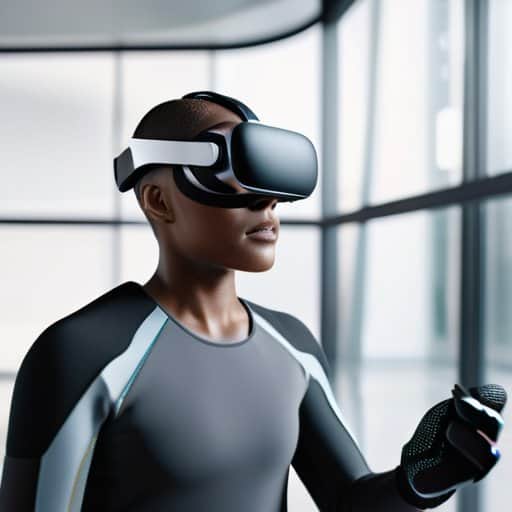
- Calibrate first: run a quick alignment routine so the gloves or controllers match the user’s hand size and position before any drill.
- Layer cues wisely: blend vibration, pressure, and resistance cues in a balanced way to mimic real tools without overwhelming the trainee.
- Scale intensity with skill: start with gentle force feedback and ramp it up as competence grows, keeping challenges realistic yet comfortable.
- Leverage live analytics: capture haptic response metrics in real time to fine‑tune scenarios and personalize each learner’s progression.
- Prioritize hygiene and ergonomics: choose breathable, easy‑to‑clean haptic gear and schedule regular sanitization to keep focus on learning.
Key Takeaways
Haptic feedback turns virtual drills into tangible experiences, boosting engagement and knowledge retention.
VR haptic gloves deliver fingertip‑level precision, letting trainees practice delicate manipulations without a physical lab.
Force‑feedback simulations provide real‑time resistance cues, helping users develop muscle memory while staying safe.
Touching Tomorrow
When the virtual world lets you feel the weight of a wrench, training stops being a simulation and becomes a handshake with the future.
Writer
Conclusion
Throughout this guide we’ve seen how haptic feedback transforms a sterile simulation into a tactile playground. From glove‑wrapped fingertips that let a surgeon feel tissue resistance to force‑feedback rigs that mimic the kick‑back of a welding torch, the technology bridges the gap between virtual rehearsal and real‑world muscle memory. The result is faster skill acquisition, safer mistake‑making, and a measurable boost in retention that traditional screen‑based training simply can’t match. By layering precise vibration cues, temperature cues, and resistance curves onto visual cues, today’s VR labs deliver an immersive training experience that feels as real as the job itself.
Looking ahead, the line between the physical workshop and the digital sandbox is fading faster than ever. As haptic engines shrink, cloud‑rendered physics become cheap, and open‑source SDKs open the door for any training program to plug in tactile cues, the barrier to entry will plummet. Imagine a future where a rookie electrician feels the exact jolt of a live wire in a classroom, or a pilot senses the subtle vibration of a malfunctioning control stick before ever stepping into a cockpit. By embracing haptic‑enhanced VR today, we’re not just sharpening a skill set—we’re laying the groundwork for a safer, more competent workforce tomorrow.
Frequently Asked Questions
How do haptic gloves accurately simulate the feeling of real tools during VR training?
Think of a haptic glove as a programmable workshop strapped to your hands. Small motors and tendons inside the glove fire precise vibrations, pressure and skin‑stretch cues whenever your avatar grabs a virtual screwdriver or drill. The software maps the tool’s weight, texture and resistance to those actuators, so when you “tighten” a bolt you actually feel the torque. The result is a convincing, muscle‑memory‑ready sensation that tricks your brain into believing the tool is real.
What are the hardware requirements and costs for implementing force‑feedback devices in a training setup?
Implementing force‑feedback in a training rig means you’ll need a sturdy PC (i5/i7 CPU, 16 GB RAM, SSD), a high‑refresh‑rate VR headset (90 Hz+), and at least one dedicated haptic device—typically a pair of robotic gloves or a handheld exoskeleton. Expect a baseline of $1,200 – $2,500 for a mid‑range glove, $3,500 – $7,000 for a full‑arm exoskeleton, plus $500‑$1,000 for cables, mounts, and a USB‑3.0 hub. Add a modest budget for calibration software (often $200‑$500) if it isn’t bundled.
Can haptic feedback improve skill retention compared to traditional video‑based VR simulations?
Absolutely—when you actually feel the resistance of a drill or the texture of a suturing thread, your brain registers that sensation alongside visual cues, creating a richer memory trace. Studies show learners who train with haptic‑enabled VR retain procedural steps up to 30% longer than those who only watch a video‑only simulation. The tactile component forces you to adjust grip, pressure, and timing, turning passive watching into active muscle memory and confidence in training.