The Difference Between Ui and Ux Design Explained
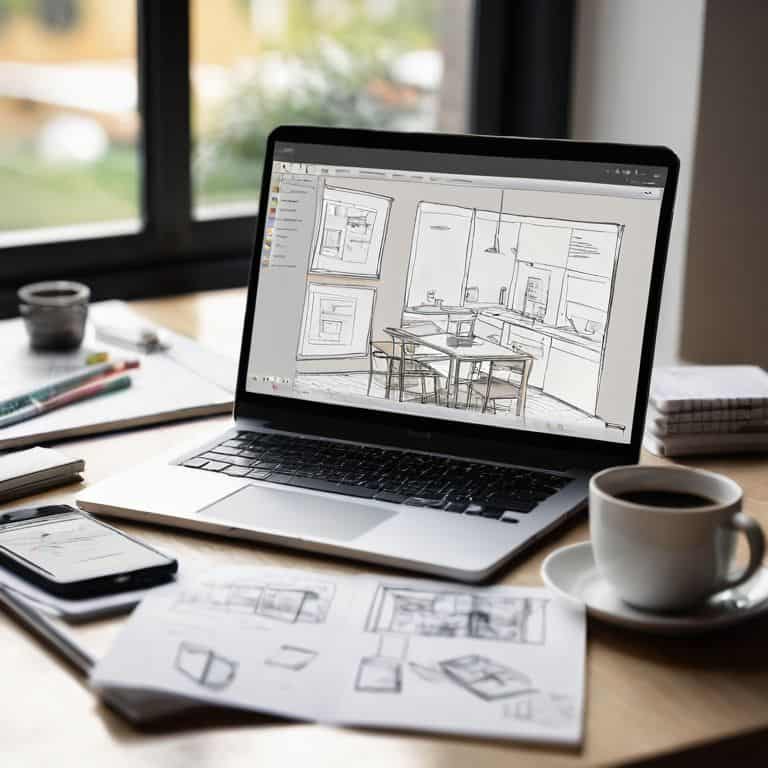
As I sit here, surrounded by vintage design books and sipping my morning coffee, I’m reminded of the countless times I’ve seen the difference between UI and UX design muddled by industry insiders. It’s a pet peeve of mine, really – the way some designers and developers toss around these terms as if they’re interchangeable. But I know that’s not the case. In reality, understanding the distinction between UI and UX design is crucial for creating products that are both functional and beautiful.
In this article, I promise to cut through the hype and provide you with a clear, no-nonsense explanation of the difference between UI and UX design. I’ll draw from my own experiences as a brand strategist and designer, sharing practical advice and real-world examples to help you navigate the often-confusing world of user interface and user experience design. My goal is to empower you with a deeper understanding of these two disciplines, so you can create designs that are intentional, effective, and truly user-centered. By the end of this article, you’ll have a solid grasp of the principles that underlie great UI and UX design, and you’ll be well on your way to creating products that delight and inspire your users.
Table of Contents
Decoding Ui vs Ux Design

As I delve into the nuances of UI and UX design, I’m reminded of the wise words of Massimo Vignelli: “The life of a designer is a life of fight: fight against the ugliness.” To _decode the design process_, we must first understand the symbiotic relationship between UI and UX. Human-centered design principles guide the UX designer’s quest to craft an intuitive user experience, while UI design brings this vision to life through visually stunning and functional interfaces.
In web development, the distinction between UI vs UX is crucial, as it directly impacts the user’s journey. By applying _design thinking process_ principles, designers can empathize with their audience, identifying pain points and areas of improvement. This empathetic approach enables the creation of user experience mapping techniques that inform and optimize the design.
As a designer, I’ve found that having the right _ux design tools for beginners_ can make all the difference in streamlining the design process. Whether it’s designing mobile app UI or exploring the latest trends, a deep understanding of the interplay between UI and UX is essential. By embracing this holistic approach, we can create designs that are not only aesthetically pleasing but also purpose-driven and user-centric.
Human Centered Design Principles Uncovered
As we delve into the nuances of UI and UX design, it’s essential to understand the human-centered design principles that guide our creative decisions. By putting the user at the forefront, we can craft experiences that are both intuitive and engaging. This approach allows us to strip away unnecessary complexity and focus on the core needs of our audience.
Effective design is rooted in clear communication, where every element, from typography to color, serves a purpose. By embracing this mindset, we can create interfaces that are not only aesthetically pleasing but also effortlessly functional, providing a seamless experience for the user.
Ui vs Ux in Web Development Demystified
When it comes to web development, the interplay between UI and UX design is crucial. As Massimo Vignelli once said, “The life of a designer is a life of balance.” This balance is particularly evident in the way UI and UX designers work together to create seamless user experiences.
In practice, UI designers focus on the visual aspects of a website, while UX designers concentrate on the overall user journey. By applying human-centered design principles, developers can ensure that their websites are both aesthetically pleasing and functional.
The Difference Between Ui and Ux Design

As I delve into the nuances of UI and UX design, I’m reminded of human centered design principles, which serve as the foundation for creating intuitive and user-friendly interfaces. A well-designed UI, or user interface, is not just about aesthetics; it’s about creating an intentional experience that guides the user through a product or service. On the other hand, UX design is concerned with the broader user experience, encompassing everything from the initial interaction to the final outcome.
In the context of web development, UI vs UX design takes on a new level of complexity. It’s essential to understand how design thinking process can inform the creation of both UI and UX elements, from wireframing to prototyping. By applying user experience mapping techniques, designers can identify pain points and areas for improvement, ultimately leading to a more seamless and efficient user experience.
As a brand strategist and designer, I’ve seen firsthand the impact of effective UI and UX design on mobile app ui design trends. By leveraging ux design tools for beginners, designers can create engaging and interactive experiences that meet the needs of their target audience. Whether it’s a website or a mobile app, the key to success lies in striking a balance between form and function, and ultimately, creating a design that is both beautiful and functional.
Design Thinking Process for Ux Beginners
As I delve into the world of UX design, I often find myself referencing the design thinking process, a methodology that has been instrumental in shaping my approach to problem-solving. This process is all about empathy, ideation, and experimentation, allowing designers to create solutions that are both intuitive and effective.
For those new to UX design, understanding the human-centered design approach is crucial. It’s about putting the user at the forefront of every decision, from research to prototyping, and ensuring that their needs are met through a seamless and engaging experience.
User Experience Mapping With Ux Design Tools
As I delve into the world of UX design, I find myself drawn to the concept of user experience mapping, which allows designers to visually represent the user’s journey. This process is instrumental in identifying pain points and areas of improvement, enabling the creation of more intuitive and user-friendly interfaces. By employing UX design tools, designers can craft experiences that are both aesthetically pleasing and functional.
Effective user experience mapping relies on the use of clear typographic hierarchies, which enable designers to organize and structure content in a logical and coherent manner. This, in turn, facilitates a more seamless user experience, as the user can effortlessly navigate through the interface and access the information they need.
Navigating the Divide: 5 Essential Tips to Understand the Difference Between UI and UX Design
- Embrace the concept that UI (User Interface) design focuses on the visual aspects and interactions of a product or system, while UX (User Experience) design encompasses the broader experience, including usability, accessibility, and overall user satisfaction
- Recognize that a strong UI without a thoughtful UX can lead to a frustrating user experience, and conversely, a well-designed UX with a poor UI can confuse or alienate users
- Understand the design thinking process, which is fundamental to UX design, and involves empathizing with users, defining problems, ideating solutions, prototyping, and testing
- Utilize user experience mapping tools and techniques to visualize the user’s journey, identifying pain points and areas for improvement in both UI and UX design
- Apply the principles of human-centered design, focusing on simplicity, clarity, and consistency in both UI and UX, to create products and systems that are intuitive, accessible, and delightful to use
Key Takeaways: Harmonizing UI and UX Design
UI design focuses on the visual and interactive aspects of a product, while UX design encompasses the overall experience, including usability, accessibility, and user flow, highlighting the need for a symbiotic relationship between the two
By embracing human-centered design principles and leveraging design thinking, we can create products that not only look stunning but also provide meaningful, intuitive experiences for users, underscoring the importance of empathy in the design process
Ultimately, the distinction between UI and UX design is not about separating the two, but about understanding how they intersect and inform each other, allowing designers to craft cohesive, user-centric solutions that elevate both the aesthetic and the experience
Beyond the Buzzwords
The difference between UI and UX design is not just a matter of semantic nuance, but a fundamental distinction between the choreography of interactions and the symphony of experiences – one deals with the visual and tactile elements, the other with the emotional and psychological resonance.
Alistair Finch
Beyond the Buzzwords: A Lasting Impression
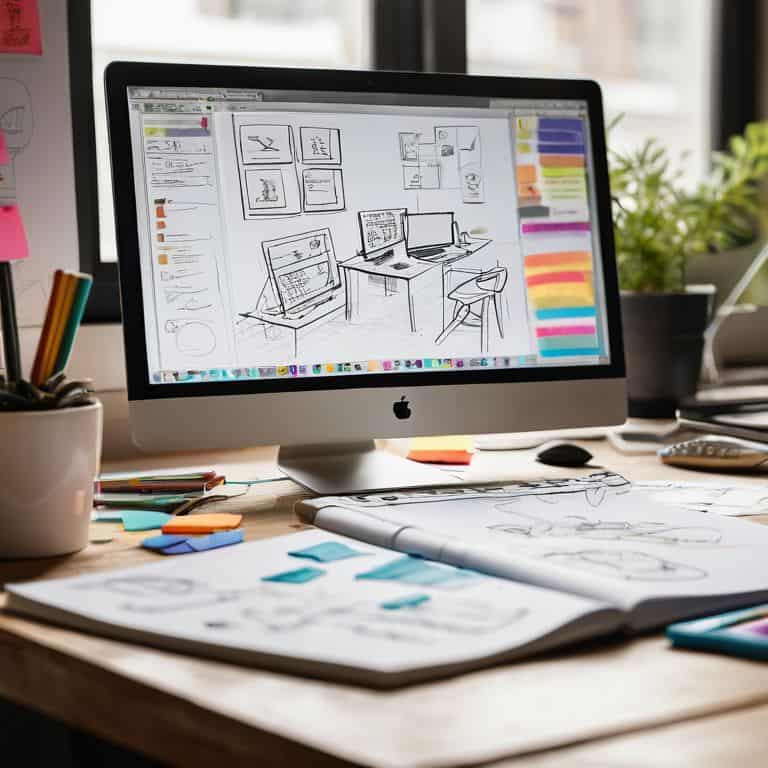
As we’ve navigated the nuances of UI and UX design, it’s become clear that understanding the distinction between these two disciplines is crucial for crafting exceptional user experiences. We’ve decoded the principles of human-centered design, demystified the roles of UI and UX in web development, and explored the design thinking process. By recognizing the interplay between UI and UX, designers can create products that are both aesthetically pleasing and intuitively functional.
As we move forward, let’s remember that good design is intentional, and it’s our responsibility as designers to prioritize clarity, simplicity, and user needs. By embracing this mindset and continually refining our skills, we can create products that not only meet but exceed user expectations, leaving a lasting impression on those who interact with them.
Frequently Asked Questions
How do UI and UX designers collaborate to create a seamless user experience?
Collaboration is key. UI and UX designers work together, with UX focusing on the user’s journey and UI on the visual and interactive elements. They align through design systems, style guides, and regular feedback loops, ensuring a cohesive experience. As Massimo Vignelli said, “The designer should be the conductor of the team.
What are the key performance indicators to measure the success of UI vs UX design in a product?
To gauge the success of UI vs UX design, I look at key performance indicators like user engagement, conversion rates, and bounce rates. As Massimo Vignelli once said, “The life of a designer is a life of fight: fight against the ugly; against the ordinary; against the banal.” For me, a well-designed UI and UX is one that balances aesthetics with functionality, and these metrics help measure that balance.
Can a single designer effectively handle both UI and UX responsibilities, or is it better to have separate specialists?
While it’s possible for a single designer to handle both UI and UX, I believe it’s a rare individual who can excel in both. As Massimo Vignelli said, “The discipline of design is a seamless continuum.” Still, separate specialists can bring unique strengths to the table, allowing for a more nuanced approach to each discipline.