A Guide on How to Create Your Own Lightroom Presets

I still remember the first time I tried to create my own Lightroom presets. I was frustrated with the generic, one-size-fits-all filters that seemed to suck the life out of my photos. I wanted to tell stories that felt authentic, that captured the essence of a moment. But every tutorial I found seemed to focus on complicated formulas and technical jargon, leaving me feeling lost and unsure of where to start. It wasn’t until I stumbled upon a simple, yet powerful truth – that the best presets are those that reflect your unique visual voice – that everything changed.
In this article, I’ll share with you my personal approach to how to create your own Lightroom presets, one that’s rooted in storytelling and emotional connection. You’ll learn how to craft presets that not only enhance your photos, but also convey the mood and atmosphere you intend. I’ll cut through the noise and give you practical, no-nonsense advice on how to create presets that feel truly yours. By the end of this guide, you’ll be equipped with the skills and confidence to create your own Lightroom presets that bring your photos to life and tell the stories that matter most to you.
Table of Contents
- Guide Overview: What You'll Need
- Step-by-Step Instructions
- Crafting Your Visual Story
- Bringing Your Vision to Life: 5 Essential Tips for Crafting Unique Lightroom Presets
- Key Takeaways for Crafting Your Unique Lightroom Presets
- Embracing Your Unique Voice
- Conclusion: Bringing Your Vision to Life
- Frequently Asked Questions
Guide Overview: What You'll Need

Total Time: 1 hour 30 minutes
Estimated Cost: free – $10
Difficulty Level: Intermediate
Tools Required
- Adobe Lightroom (or similar photo editing software)
- Computer (with internet connection)
Supplies & Materials
- Sample Photos (for testing and adjusting presets)
- Presets Template (optional, for organizing and saving presets)
Step-by-Step Instructions
- 1. To start creating your own Lightroom presets, begin by understanding what makes a great preset. For me, it’s all about capturing a specific mood or atmosphere that elevates the image and tells a story. Take some time to browse through your favorite photographers’ work, and see if you can identify any common traits or styles that resonate with you.
- 2. Next, select a base image that you feel represents the style or mood you’re aiming for. This could be one of your own photos, or even a picture from a magazine or online. The key is to choose an image that has a clear emotional resonance, something that speaks to you on a deeper level. For me, it’s often a portrait with a strong sense of intimacy or connection.
- 3. Now it’s time to start adjusting the settings in Lightroom. Begin by tweaking the basic panel settings, such as exposure, contrast, and saturation. Don’t be afraid to experiment and try new things – this is where the magic happens, and you start to develop your unique visual voice. Remember, the goal is to enhance the image, not to overprocess it.
- 4. As you continue to refine your preset, pay attention to the tone curve. This is where you can add a lot of depth and emotion to your image. I like to think of the tone curve as a way to add nuance and subtlety to the photo, rather than just applying a blanket adjustment. Take your time, and see how different adjustments affect the overall mood of the image.
- 5. Once you’ve got a good foundation going, it’s time to add some color grading to your preset. This is where you can really start to develop your unique style, and add a personal touch to your images. I like to use the color grading tools in Lightroom to create a sense of cohesion and consistency across my photos.
- 6. Now that you’ve got all the individual elements dialed in, it’s time to test your preset on a variety of images. This is where you’ll really see if your preset is consistent and effective, or if it needs some further refinement. Don’t be discouraged if it doesn’t work perfectly on every image – that’s all part of the process, and you can always go back and make adjustments as needed.
- 7. Finally, save and refine your preset over time. As you continue to shoot and edit, you’ll likely find that your visual style evolves, and your preset will need to adapt to those changes. Don’t be afraid to go back and revisit your preset, and make adjustments as needed. The key is to stay true to your vision, and keep pushing yourself to see the world in new and interesting ways.
Crafting Your Visual Story
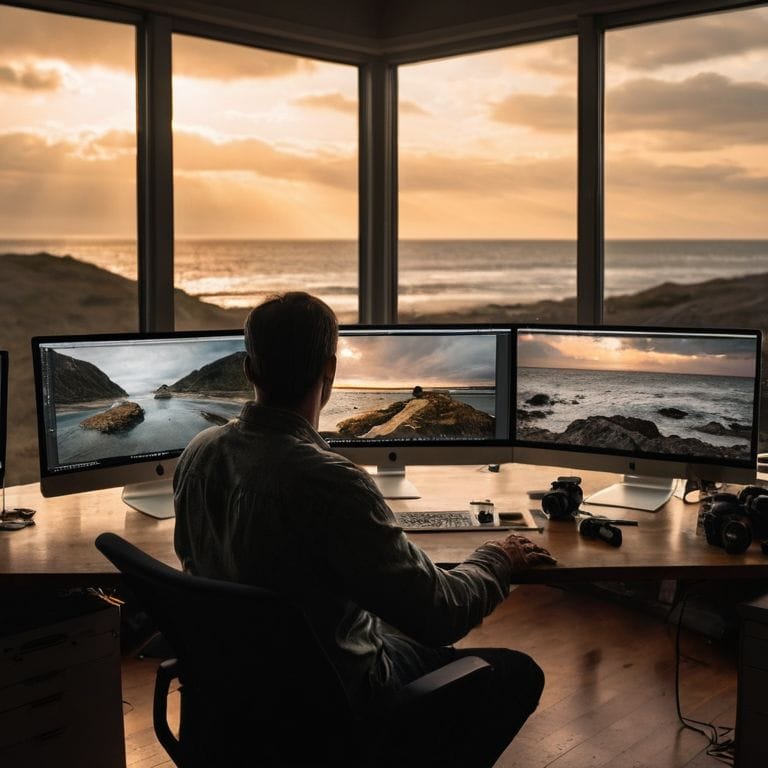
As I reflect on my own journey with photography, I’ve come to realize that crafting a consistent photo editing style is essential to telling a cohesive story. When I’m out on a shoot, I’m not just thinking about the individual images, but how they’ll work together as a whole. This is where custom lightroom preset creation comes in – by developing my own presets, I can ensure that my photos have a unified look and feel. Whether I’m shooting in the golden hour or under overcast skies, my presets help me achieve a level of consistency that enhances the narrative of my images.
When it comes to lightroom preset editing tips, I always emphasize the importance of subtlety. It’s easy to get carried away with sliders and adjustments, but the key is to make intentional, nuanced changes that elevate your photos without overpowering them. By saving your lightroom settings for later, you can refine your approach over time and develop a keen sense of what works best for your unique visual voice.
As you continue to refine your preset collection, consider implementing lightroom preset organization techniques to keep your workflow streamlined. This might involve categorizing your presets by theme, mood, or even the specific camera or lens used. By doing so, you’ll be able to quickly find the perfect preset to match your creative vision, and make adjustments on the fly to ensure that your photos are always consistent and compelling.
Editing Tips for Consistent Style
When I’m editing my photos, I always think about how I can enhance the story I’m trying to tell. For me, consistency is key – I want my images to feel like they’re part of a larger narrative. To achieve this, I focus on making subtle adjustments that complement the natural light and tones in the scene. I might tweak the exposure, contrast, and colors to create a sense of cohesion throughout my portfolio.
By doing so, I’m able to convey a sense of mood and atmosphere that draws the viewer in. It’s not about applying a formulaic preset, but rather about using the editing process as an opportunity to refine my visual voice. I experiment with different techniques, such as splitting tones or adjusting the color grading, to add depth and nuance to my images. This approach allows me to create a consistent style that feels authentic and true to my artistic vision.
Unlocking Custom Lightroom Preset Creation
As I delve into custom preset creation, I’m reminded of my own journey in the darkroom, where every tweak and adjustment told a story. It’s the same with Lightroom presets – each slider and button holds the power to transform your image into a reflection of your unique voice. By experimenting with different combinations, you’ll begin to uncover the essence of your visual style. I encourage you to think of preset creation as a process of self-discovery, where every adjustment brings you closer to capturing the world as you see it.
Through this process, you’ll develop a keen eye for the subtleties of light and composition, and your presets will become an extension of your creative vision.
Bringing Your Vision to Life: 5 Essential Tips for Crafting Unique Lightroom Presets
- Start by shooting a variety of images in different lighting conditions to develop a sense of the tones and colors that resonate with your personal style
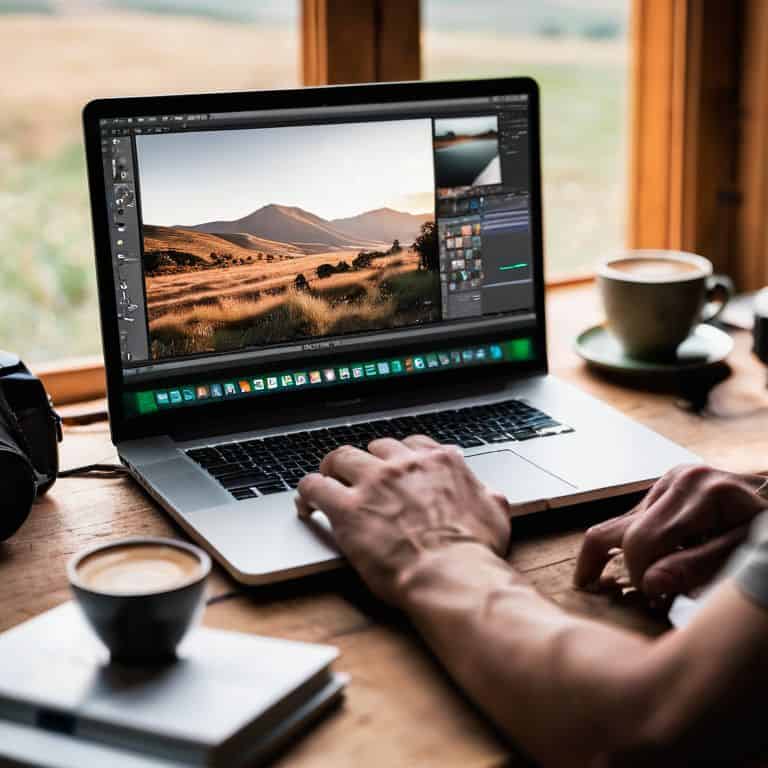
- Experiment with adjusting the tone curve and color grading in Lightroom to create a consistent look that reflects your artistic vision
- Pay attention to the way different presets affect the texture and depth of your images, and use this knowledge to create presets that enhance these elements
- Develop a preset that captures the essence of your favorite time of day – for me, it’s the golden hour, with its warm, soft light that seems to wrap the world in a sense of wonder
- Create a folder system in Lightroom to organize your presets into categories, such as ‘portrait’, ‘landscape’, and ‘street’, to make it easier to find the perfect preset for each shoot
Key Takeaways for Crafting Your Unique Lightroom Presets
I’ve learned that the most powerful presets are those that reflect your personal style and storytelling voice, which is why I emphasize the importance of experimentation and self-expression in your preset creation journey
Mastering the art of custom preset creation involves understanding how to balance technical adjustments with artistic intuition, allowing you to enhance your images without overpowering their inherent character and emotional depth
By embracing the process of trial and error, and staying true to your vision, you’ll not only develop a distinctive visual voice but also cultivate a deeper connection with your photography, enabling you to capture and convey the stories that truly matter to you
Embracing Your Unique Voice
The true art of creating your own Lightroom presets lies not in the technicalities, but in embracing the imperfections and nuances that make your photographs a reflection of your soul.
Julian Kade
Conclusion: Bringing Your Vision to Life
As we’ve explored the world of creating your own Lightroom presets, I hope you’ve gained a deeper understanding of how to unlock your unique visual style. From the initial steps of understanding your creative vision to the nitty-gritty of crafting and refining your presets, it’s been a journey of discovery. We’ve delved into the importance of consistent editing and how it contributes to a strong, recognizable style. By mastering these skills, you’re not just editing photos – you’re telling stories that resonate with others.
Now, as you continue on your photographic journey, remember that the true power of photography lies in its ability to capture the essence of a moment. Don’t be afraid to experiment, to push boundaries, and to find your own voice. With every click of the shutter and every tweak of your preset, you’re bringing your vision to life. Keep shooting, keep creating, and most importantly, keep seeing the world with the eyes of a storyteller.
Frequently Asked Questions
How do I determine the right balance of contrast and exposure when creating a custom preset?
For me, finding the right balance of contrast and exposure is all about feeling the image. I ask myself, ‘Does this look like a moody, overcast day or a warm, sunny morning?’ Then, I tweak the sliders to match that mood, often underexposing slightly to add depth, and adjusting contrast to bring out the story in the scene.
Can I use my existing photos to create a preset, or do I need to take new photos with specific settings?
I love this question. You can absolutely use your existing photos to create a preset. In fact, I often start with images that already resonate with me, and then tweak the settings to enhance their mood and atmosphere. This approach helps me distill the essence of my visual style and create presets that feel truly authentic.
How do I ensure that my custom preset will work well with different types of images, such as portraits and landscapes?
When crafting a custom preset, I consider its versatility across various image types. To ensure it works well with both portraits and landscapes, I test it on a diverse set of images, making adjustments as needed to achieve a consistent look and feel that enhances the story I’m trying to tell.