The Best Photo Editing Apps for Your Phone
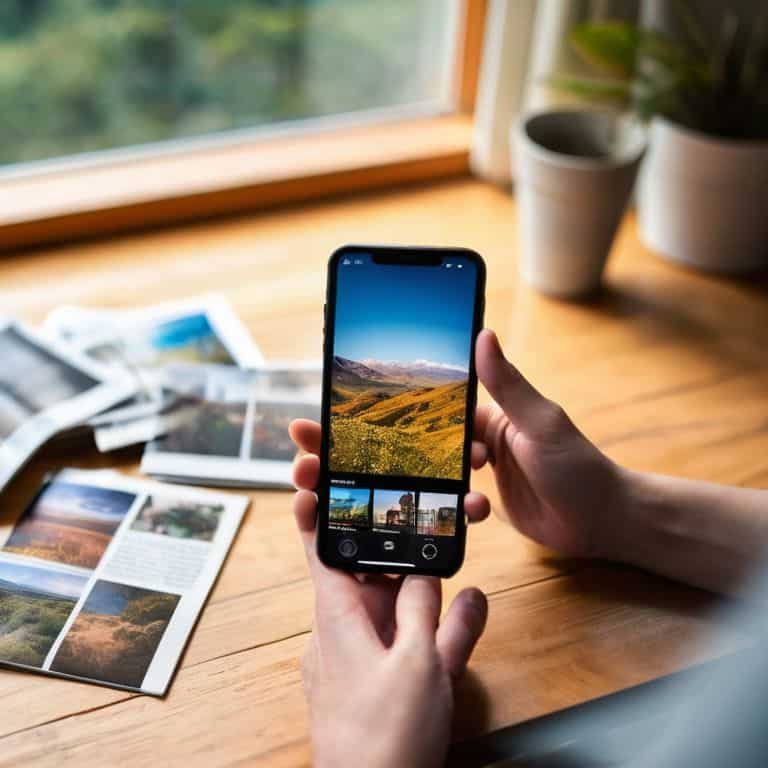
As I delve into the world of mobile photography, I’m constantly reminded of the significance of best photo editing apps for your phone. In today’s digital age, our smartphones have become an essential tool for capturing life’s precious moments. However, the sheer volume of photos we take can be overwhelming, and that’s where a good editing app comes into play. The ability to enhance and refine our photos can make all the difference in preserving memories and creating a sense of nostalgia.
In this listicle, I promise to guide you through the top 5 game-changing photo editing apps that will elevate your mobile photography experience. You’ll learn how to unlock the full potential of your phone’s camera, from basic adjustments to advanced editing techniques. By the end of this article, you’ll be equipped with the knowledge to choose the perfect editing companion for your creative needs, allowing you to focus on what truly matters – capturing and preserving life’s precious moments.
Table of Contents
- A Masterclass in Minimalism
- Unleashing Your Inner Artist
- The Ultimate All-in-One Solution
- A World of Filters at Your Fingertips
- Precision Editing for the Modern Photographer
- Key Takeaways: Elevating Your Mobile Photography
- A Photographer's Best Friend
- Embracing the Art of Mobile Photo Editing
- Frequently Asked Questions
A Masterclass in Minimalism
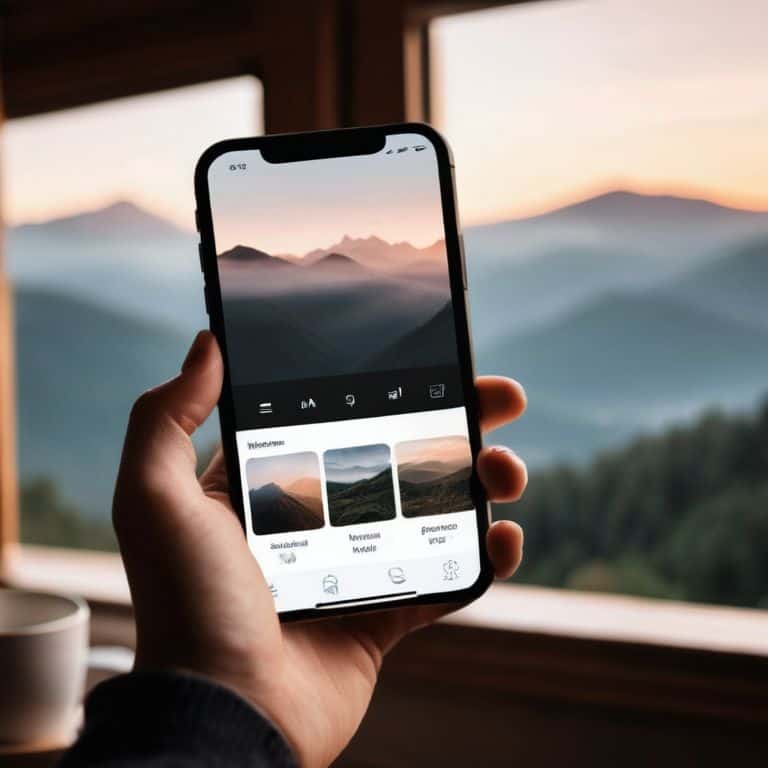
I’ve spent countless hours testing photo editing apps on my phone, and one that has truly become an essential tool in my own creative workflow is VSCO. What sets VSCO apart is its emphasis on subtle, film-like presets that add a touch of elegance to any photograph. The app’s interface is also noteworthy for its _clean design_, making it easy to navigate and find the perfect filter for your snapshot. Whether you’re a professional photographer or an amateur enthusiast, VSCO’s understated approach to photo editing is a breath of fresh air in a world of over-saturated filters and effects.
Unleashing Your Inner Artist
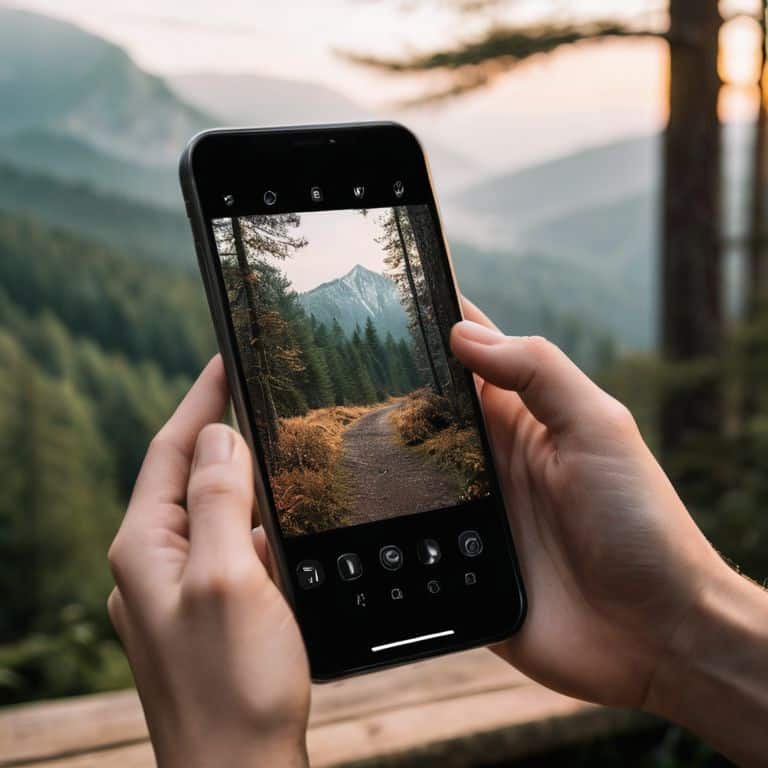
When it comes to unleashing your creativity, there’s no better app than Adobe Lightroom. This powerful editing tool offers a wide range of _advanced features_, including tone curve adjustments and color grading, that allow you to take your photos to the next level. One of the things I appreciate most about Adobe Lightroom is its non-destructive editing approach, which means you can experiment with different effects and presets without worrying about altering the original image. Whether you’re looking to add a touch of drama or simply enhance the natural beauty of your photograph, Adobe Lightroom is the perfect companion for any aspiring artist.
The Ultimate All-in-One Solution
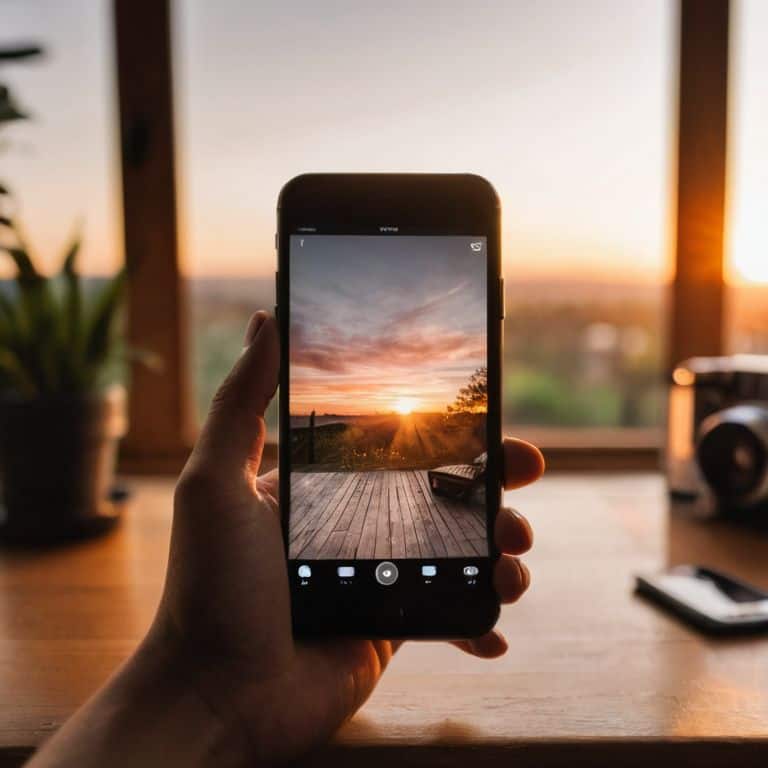
For those looking for an all-in-one photo editing solution, I highly recommend checking out Snapseed. This versatile app offers a wide range of tools and features, from basic adjustments like brightness and contrast to more _advanced effects_ like lens blur and glamour glow. One of the things that sets Snapseed apart from other photo editing apps is its user-friendly interface, which makes it easy to navigate and find the perfect tool for the job. Whether you’re looking to enhance a single photo or edit an entire album, Snapseed is the perfect choice for anyone looking for a comprehensive photo editing experience.
A World of Filters at Your Fingertips
If you’re looking for an app that offers a wide range of filters and effects, then Filterloop is definitely worth checking out. This app features a _vast library_ of presets and filters, from vintage film looks to modern digital effects, that can add a unique touch to any photograph. One of the things I appreciate most about Filterloop is its intuitive interface, which makes it easy to browse and apply different filters to your photos. Whether you’re looking to add a touch of nostalgia or simply enhance the mood of your photograph, Filterloop is the perfect app for anyone looking to experiment with different styles and effects.
Precision Editing for the Modern Photographer
For those looking for a high degree of precision and control when it comes to photo editing, I highly recommend checking out Pixelmator. This powerful app offers a wide range of _advanced tools_ and features, from layer-based editing to color correction, that allow you to take your photos to the next level. One of the things that sets Pixelmator apart from other photo editing apps is its support for RAW image files, which means you can edit your photos in their purest form without worrying about losing any detail or quality. Whether you’re a professional photographer or an aspiring enthusiast, Pixelmator is the perfect choice for anyone looking for a professional-grade photo editing experience.
Key Takeaways: Elevating Your Mobile Photography
I’ve found that the best photo editing apps for your phone are those that balance ease of use with depth of features, allowing you to enhance your photos without getting lost in complexity
Among the top contenders, some apps stand out for their exceptional user interface, making the editing process feel more like a creative journey than a chore
Ultimately, the right photo editing app for you will depend on your personal style and the type of photography you enjoy most, but my top recommendations offer a solid foundation for anyone looking to take their mobile photography to the next level
A Photographer's Best Friend
The best photo editing apps for your phone are not just tools, but trusted companions that help you uncover the hidden narratives within your images, and breathe life into the fleeting moments you’ve captured.
Timothy Berg
Embracing the Art of Mobile Photo Editing
As I conclude my journey through the realm of mobile photo editing, it’s clear that the best photo editing apps are not just tools, but gateways to unlocking the full potential of your mobile camera. Through my in-depth testing, I’ve discovered that each of the five apps I’ve highlighted offers a unique set of features that cater to different needs and preferences. Whether you’re a novice looking to enhance your snapshots or a professional seeking advanced editing capabilities, there’s an app on this list that’s sure to meet your requirements.
In the end, the true power of mobile photo editing lies not in the technology itself, but in the creative freedom it offers. By embracing these exceptional tools, you’re not just editing photos – you’re telling stories, evoking emotions, and preserving memories. As you explore the world of mobile photo editing, remember that the best apps are those that become an extension of your vision, allowing you to focus on what truly matters: capturing the beauty and essence of the world around you.
Frequently Asked Questions
Do these photo editing apps offer enough advanced features for professional photographers?
While these apps are incredibly capable, I’d say they cater more to enthusiasts and hobbyists. Professionals may find some advanced features, like layered editing and precise color grading, but they might not fully replace desktop software like Adobe Photoshop or Lightroom.
How do these apps handle large photo libraries and extensive editing sessions?
When working with large photo libraries and extensive editing sessions, I’ve found that apps like VSCO and Adobe Lightroom handle them with ease, thanks to their robust cloud infrastructure and optimized performance. They allow seamless switching between devices and maintain editing history, making it a breeze to manage and edit large collections.
Are there any significant differences in the user interface and user experience between these top-rated photo editing apps?
While each app has its unique flair, I found that some, like VSCO and Snapseed, offer a more minimalist and intuitive interface, whereas others, like Adobe Lightroom, provide a more comprehensive and feature-rich experience. Ultimately, the best UI and UX will depend on your personal editing style and preferences.