A Beginner’s Guide on How to Edit Videos Like a Pro

I still remember the first time I sat down to edit a video and felt like I was staring at a puzzle with missing pieces. I had all this footage, but no idea how to turn it into a cohesive story. That’s when I realized that learning how to edit videos wasn’t just about mastering software, but about uncovering the hidden gems in my footage. As a documentary filmmaker, I’ve spent years honing my craft, and I’ve come to believe that the real magic happens in the editing room. It’s where you get to breathe life into your footage and create a narrative that resonates with your audience.
In this guide, I’ll share my personal approach to how to edit videos, from the basics of setting up your timeline to the art of fine-tuning your sound design. I’ll take you through my process of finding the emotional core of a story and using color grading to enhance the mood. My goal is to demystify the editing process and give you the practical tools you need to create videos that have a real impact. By the end of this article, you’ll have a clear understanding of how to take your footage from raw material to a polished, engaging story that leaves a lasting impression on your viewers.
Table of Contents
- Guide Overview: What You'll Need
- Step-by-Step Instructions
- Mastering How to Edit Videos
- Unleashing Emotion With Advanced Cutting Techniques
- Weaving Magic With Transitions and Background Music
- Unleashing the Power of the Edit: 5 Essential Tips to Elevate Your Video Storytelling
- Key Takeaways for Editing Videos
- The Heart of Editing
- Bringing Your Vision to Life
- Frequently Asked Questions
Guide Overview: What You'll Need

Total Time: 1 hour 30 minutes to several hours
Estimated Cost: $0 – $100
Difficulty Level: Intermediate
Tools Required
- Computer with internet connection
- Video Editing Software such as Adobe Premiere Pro, Final Cut Pro, or DaVinci Resolve
- External Hard Drive for storing video files
Supplies & Materials
- Video Footage from camera or smartphone
- Audio Files for background music or sound effects
- Transition Effects optional, for adding visual interest
Step-by-Step Instructions
- 1. First, let’s start with the pre-production phase, where we plan and prepare our project. This is the stage where we define our story, its tone, and the message we want to convey. I like to think of it as the foundation of our film, where we lay the groundwork for a compelling narrative. To begin, take some time to brainstorm ideas and write down your concept, script, or at least a rough outline of what you want to achieve with your video.
- 2. Next, we move on to the production phase, where we capture our footage. This is where the magic happens, and we start to bring our story to life. When filming, remember to pay attention to lighting, as it can greatly affect the mood and atmosphere of your scene. Natural light is always a great option, but if you’re shooting indoors, invest in some good quality lighting equipment to ensure your footage looks professional.
- 3. Now that we have our footage, it’s time to start organizing our clips. This is a crucial step in the editing process, as it will help us to stay focused and ensure that our story flows logically. Create folders, label your clips, and arrange them in a way that makes sense for your narrative. I like to use a combination of keywords and timestamps to keep track of my footage.
- 4. With our clips organized, we can start to build our story on the editing timeline. This is where the real magic happens, and we start to see our film take shape. Begin by creating a rough cut, where you assemble your clips in a basic order. Don’t worry too much about the details at this stage; just focus on getting the overall structure of your story in place.
- 5. Once we have a rough cut, it’s time to start fine-tuning our edit. This is where we add transitions, color grading, and sound design to enhance the mood and atmosphere of our film. Be careful not to overdo it, as too many transitions can be distracting. Instead, use them to create a sense of rhythm and guide the viewer through your story.
- 6. Sound design is a critical aspect of filmmaking, and it’s often overlooked by beginners. Remember that sound is 50% of the film, and it can make or break the overall experience. Add music, sound effects, and FX to enhance the emotional impact of your scenes. Experiment with different options until you find the right fit for your story.
- 7. As we near the end of our editing process, it’s time to add the final touches. This is where we color grade our footage to create a consistent look and feel. I love experimenting with different color palettes to evoke a specific mood or atmosphere. Be cautious not to overdo it, as too much color grading can be distracting. Instead, use it to enhance the emotional impact of your scenes.
- 8. Finally, it’s time to export our final cut. Make sure to double-check your settings, including the resolution, frame rate, and file format. Exporting in the right format will ensure that your video looks great on different devices and platforms. Take a deep breath, be proud of your work, and share your film with the world.
Mastering How to Edit Videos
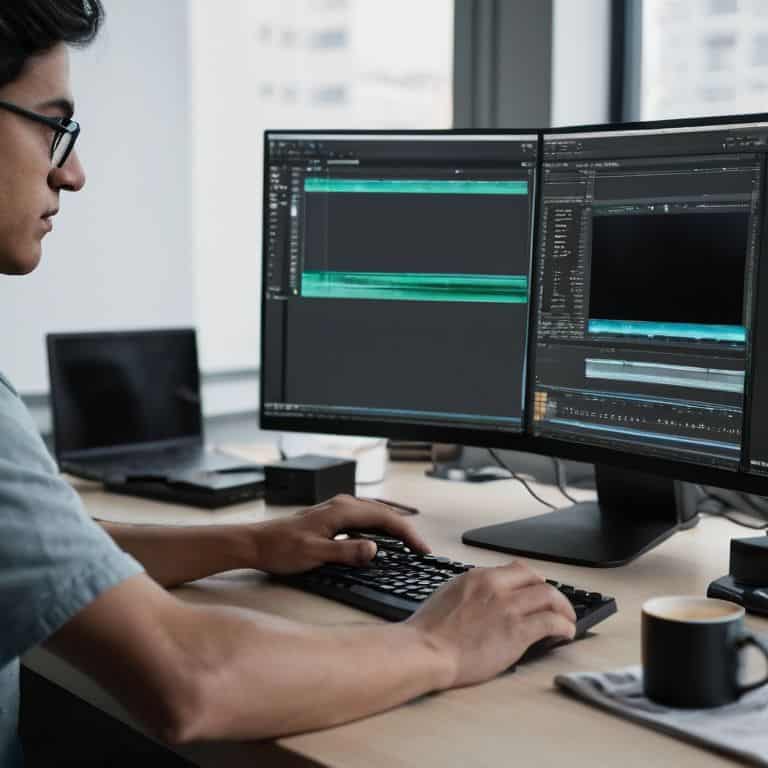
As I delve deeper into the world of video editing, I’m reminded that mastering the craft takes time and practice. One of the most crucial aspects of editing is color correction, which can completely transform the mood and atmosphere of a scene. By using video editing software for beginners, such as Adobe Premiere or Final Cut Pro, you can start to experiment with different color grading techniques to enhance your story.
When it comes to advanced cutting techniques, it’s essential to understand how to use transitions effectively in video storytelling. Adding background music to videos can also make a significant impact, setting the tone and pace of your narrative. I’ve found that using transitions judiciously can help to create a seamless flow between scenes, drawing the viewer into the story.
To take your video editing to the next level, consider focusing on video editing tips for storytelling. This involves thinking carefully about the pacing, tone, and emotional impact of your edit. By paying attention to these details, you can create a compelling narrative that resonates with your audience, whether you’re editing for social media or a larger screen.
Unleashing Emotion With Advanced Cutting Techniques
As I delve deeper into the edit, I’m always on the lookout for ways to amplify the emotional impact of my story. Advanced cutting techniques are a powerful tool in my arsenal, allowing me to craft a narrative that resonates with my audience. By experimenting with non-linear storytelling, I can build tension, create suspense, or evoke a sense of nostalgia. For instance, using a jump cut to interrupt a serene moment can be incredibly jarring, forcing the viewer to feel the character’s unease.
I’m particularly fond of using match cuts to create a sense of continuity between two seemingly disparate scenes. This technique not only adds visual interest but also subtly reinforces the themes and emotions I’m trying to convey. By carefully selecting the right cutting techniques, I can elevate my story from a series of disconnected clips to a cohesive, emotionally charged experience that lingers with my audience long after the credits roll.
Weaving Magic With Transitions and Background Music
To take your edit to the next level, it’s essential to consider the role of transitions and background music. I like to think of transitions as the glue that holds your story together, while background music is the emotional heartbeat of your film. When used thoughtfully, they can elevate your edit from a series of disparate clips to a cohesive, captivating narrative.
By carefully selecting transitions that serve the story, and pairing them with a soundtrack that resonates with your message, you can create a rich, immersive experience for your audience. I’ve seen it time and time again in my own work – the right transition and score can transform a good edit into a great one, drawing your viewer in and refusing to let go.
Unleashing the Power of the Edit: 5 Essential Tips to Elevate Your Video Storytelling
- Develop a keen sense of pacing by experimenting with different cut lengths and rhythms to keep your audience engaged
- Use color grading to evoke emotions and set the tone for your story, just like the iconic warm hues in ‘The Shawshank Redemption’
- Pay attention to sound design, as it can make up 50% of the emotional impact of your film – think of the ominous soundscapes in ‘Blade Runner’
- Learn to trust your instincts and make bold choices in the editing room, like the unconventional narrative structure in ‘Memento’
- Practice, practice, practice: the more you edit, the more you’ll develop your own unique voice and style, so keep honing your craft and pushing the boundaries of what’s possible
Key Takeaways for Editing Videos
Emotion and rhythm are just as important as technical skills when it comes to editing videos, and can be achieved through careful selection and arrangement of clips
Advanced cutting techniques, such as juxtaposition and montage, can add depth and complexity to your narrative, drawing your audience into the story
By thoughtfully incorporating transitions, background music, and sound design, you can create a rich sensory experience that elevates your video from mere footage to a fully immersive cinematic experience
The Heart of Editing
The true story is not in the shots you capture, but in the way you weave them together – every cut, every transition, and every note of music is a brush stroke on the canvas of your narrative.
Maya Jenson
Bringing Your Vision to Life
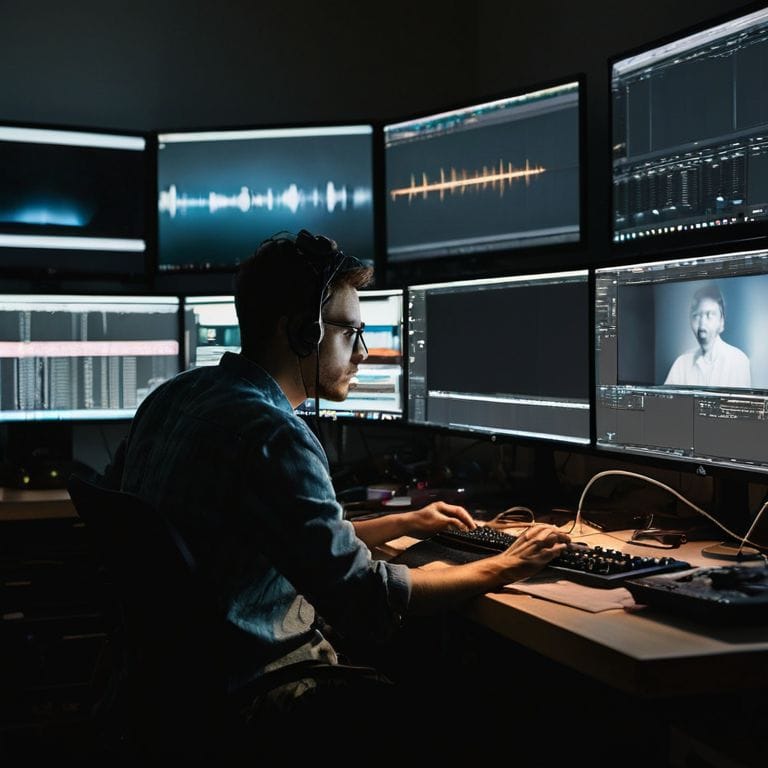
As we’ve journeyed through the world of video editing, I hope you’ve gained a deeper understanding of how to unlock the hidden potential of your footage. From the initial steps of organizing your clips to the advanced techniques of unleashing emotion with cutting and weaving magic with transitions and background music, it’s clear that editing is an art form that requires patience, creativity, and practice. By mastering these skills, you’ll be able to transform your raw footage into a compelling narrative that captivates your audience and leaves a lasting impression.
So, as you close this chapter and embark on your own editing adventures, remember that the true power of video editing lies in its ability to breathe life into your vision. Don’t be afraid to experiment, take risks, and push the boundaries of what’s possible. With dedication and passion, you’ll be able to craft stories that inspire, educate, and entertain – and that’s the greatest magic of all. Keep creating, and never stop chasing the story that drives you.
Frequently Asked Questions
What are some tips for maintaining a consistent tone and atmosphere throughout a video edit?
To maintain a consistent tone and atmosphere, I swear by color grading and sound design. Establish a distinct look and feel early on, and use it to inform your editing decisions. Pay attention to the emotional resonance of each scene, and use music and sound effects to amplify the mood. It’s all about creating a cohesive emotional journey for your viewer.
How can I effectively use color grading to enhance the emotional impact of my footage?
For me, color grading is where the emotional depth of a film truly comes alive. I use it to evoke feelings and set the tone, often drawing inspiration from classic films. By adjusting the palette, contrast, and saturation, you can completely transform the mood of a scene, drawing your audience in and refusing to let go.
What are some common mistakes to avoid when using transitions and background music in video editing?
When using transitions and background music, I see many editors overdo it – too many flashy cuts or overwhelming soundtracks can detract from the story. My advice? Use them sparingly to enhance the emotional impact, not overpower it. Less is often more, allowing your footage to breathe and the narrative to shine.