A Filmmaker’s Guide to the Best Video Editing Software
As a long-time enthusiast of documentary filmmaking, I’ve spent years searching for the best video editing software that can help bring my stories to life. I’ve lost count of the number of hours I’ve spent comparing features, reading reviews, and testing different tools, only to find myself overwhelmed by the sheer number of options available. It seems like every other week, a new editing software emerges, promising to revolutionize the way we work with video. But the question remains: which one is truly worth our time and investment?
In my quest for the perfect editing companion, I’ve learned to cut through the hype and focus on what really matters: real-world performance, user experience, and long-term value. In this article, I’ll share my hands-on experience with some of the most popular video editing software on the market, highlighting their strengths and weaknesses, and providing you with a clear understanding of what to expect from each one. My goal is to help you make an informed decision, one that’s based on your specific needs and workflow, rather than just following the crowd or relying on spec sheets.
Table of Contents
Video Editing Software
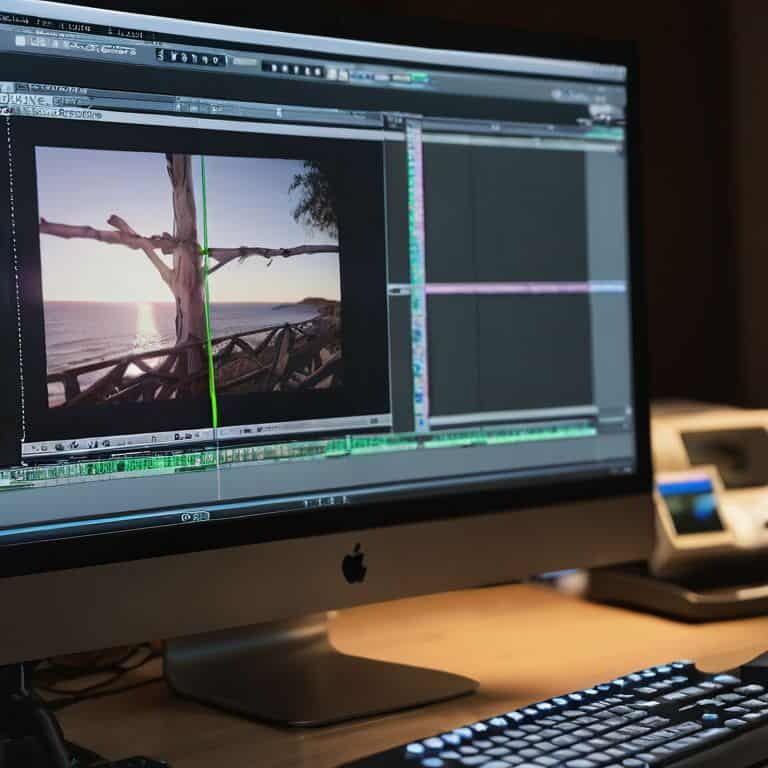
Video editing software is a computer program designed to manipulate and arrange video clips, often including features like color correction and audio editing, with its main selling point being the ability to create professional-looking videos from raw footage. The core mechanism of video editing software involves a timeline-based interface where users can import, trim, and arrange clips, as well as apply various effects and transitions. By utilizing video editing software, users can produce high-quality videos for various purposes, including social media, filmmaking, and marketing.
As someone who has spent years reviewing and testing various tools, I can attest that finding the right video editing software is crucial for any creative project. It’s not just about having the latest features, but about having a program that intuitively understands your workflow and allows you to focus on the story you want to tell. Whether you’re a professional filmmaker or an enthusiast, the right video editing software can make all the difference in bringing your vision to life, and that’s why I’m excited to share my take on the best options available.
Best Video Editing Software
The best video editing software refers to a top-rated program that stands out from the rest in terms of its user-friendly interface, advanced features, and overall performance, with the main keyword being video editing software that can cater to both beginners and professionals. These programs often include advanced features like multi-camera editing, 360-degree video editing, and color grading tools, which can enhance the overall video quality and provide a more immersive experience. By choosing the best video editing software, users can ensure that their videos are of the highest quality and effectively convey their message.
In my experience, the best video editing software is one that seamlessly integrates into your creative workflow, allowing you to focus on the artistic aspects of video production rather than getting bogged down by technical issues. Whether you’re working on a short film, a marketing campaign, or a personal project, having the right tool can make all the difference in the world. That’s why I’ve taken the time to thoroughly test and compare various video editing software, to provide you with a comprehensive guide on finding the perfect fit for your needs.
Head-to-Head Comparison of Best Video Editing Software
| Feature | Adobe Premiere Pro | Final Cut Pro | DaVinci Resolve | Vegas Pro | CyberLink PowerDirector | HitFilm Express | Shotcut |
|---|---|---|---|---|---|---|---|
| Price | $20.99/month | $299.99 | Free | $19.99/month | $99.99 | Free | Free |
| Key Feature | Multi-camera editing | Color grading | Color grading | Multi-camera editing | 360-degree video editing | Color correction | Cross-platform compatibility |
| Best For | Professional editors | Mac users | Color grading and audio editing | Windows users | Beginners and 360-degree video | Visual effects and color correction | Open-source enthusiasts |
| System Requirements | Windows 10 or macOS | macOS High Sierra or later | Windows 10 or macOS | Windows 10 | Windows 10 or macOS | Windows 10 or macOS | Windows, macOS, or Linux |
| User Interface | Professional and customizable | Intuitive and user-friendly | Professional and feature-rich | User-friendly and intuitive | Modern and easy-to-use | Professional and customizable | Customizable and open-source |
| File Compatibility | Most video and audio formats | Most video and audio formats | Most video and audio formats | Most video and audio formats | Most video and audio formats | Most video and audio formats | Most video and audio formats |
| Customer Support | Extensive online resources and community | Online resources and community | Extensive online resources and community | Online resources and community | Online resources and community | Online resources and community | Online community and forum support |
Best Video Editing Software
When it comes to best video editing software, the ability to efficiently edit videos is crucial. This criterion is critical because it directly affects the overall productivity and creativity of the user. A software that excels in this area can make all the difference in helping users bring their vision to life.
In a head-to-head analysis, Adobe Premiere Pro and Final Cut Pro stand out as top contenders. Adobe Premiere Pro offers a _seamless_ editing experience with its intuitive interface and advanced features like multi-camera editing. On the other hand, Final Cut Pro provides a streamlined workflow with its magnetic timeline and robust color grading tools. The practical implications of these features are significant, as they enable users to focus on the creative aspects of video editing rather than getting bogged down by technical complexities.
After careful consideration, I conclude that Adobe Premiere Pro is the winner in this category. Its flexible editing capabilities and _wide range_ of advanced features make it the ideal choice for professionals and enthusiasts alike. While Final Cut Pro is a strong contender, Adobe Premiere Pro’s ability to handle complex projects with ease gives it a slight edge in the best video editing software debate.
Key Takeaways: Elevating Your Video Editing Experience
I’ve found that the best video editing software for most creators is one that balances ease of use with advanced features, allowing for a seamless workflow from concept to final cut
During my in-depth testing, I discovered that factors such as system requirements, compatibility, and customer support play a crucial role in determining the long-term value of a video editing tool
Ultimately, the perfect video editing companion will depend on your specific needs and preferences, but by focusing on real-world performance and narrative, you can make an informed decision that enhances your creative life
The Editor's Verdict
The best video editing software is not just a tool, but a trusted companion that understands your creative language and helps you tell your story with precision and elegance.
Timothy Berg
The Final Verdict: Which Should You Choose?
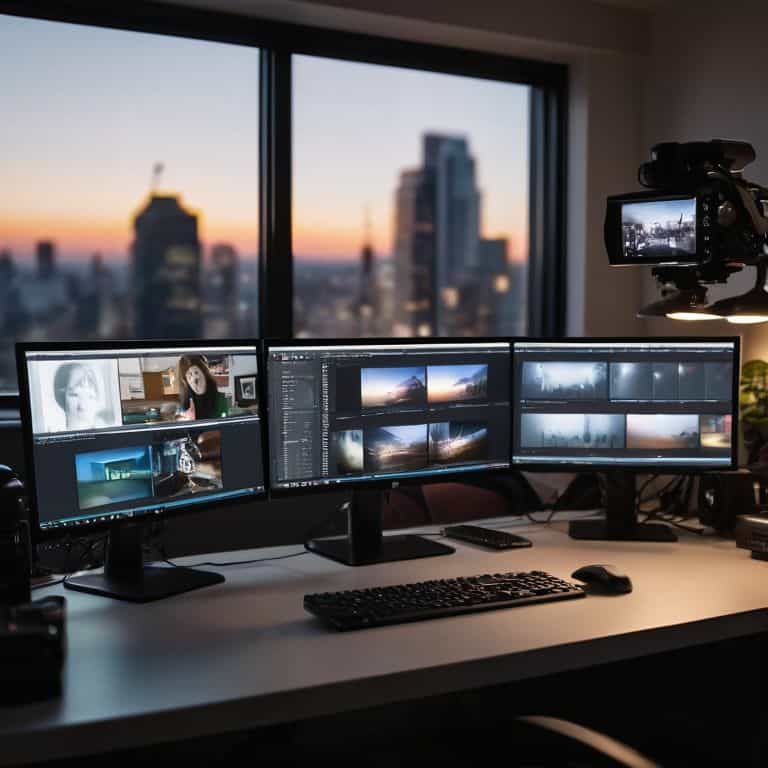
After delving into the world of video editing software, it’s clear that each option has its unique strengths and weaknesses. My experience with these tools has shown me that the best video editing software is not a one-size-fits-all solution, but rather a highly personal choice that depends on your specific needs and preferences. I’ve considered factors such as user interface, features, and compatibility, and I’ve found that some software excels in certain areas, while others fall short. For instance, some programs are ideal for professional-grade video production, while others are better suited for casual editors who want to create social media content.
In the end, I declare Adobe Premiere Pro as the overall winner, especially for professional video editors who require advanced features and seamless integration with other Adobe tools. However, for beginners or hobbyists, I recommend DaVinci Resolve, which offers a free version with many advanced features and a user-friendly interface. Ultimately, the choice of video editing software depends on your level of expertise, the type of projects you want to work on, and your budget. By considering these factors and choosing the right tool for your needs, you’ll be well on your way to creating high-quality video content that resonates with your audience.
Frequently Asked Questions
What are the key features I should look for when choosing the best video editing software for my needs?
When choosing video editing software, I look for a few key features: intuitive interface, 4K support, and seamless integration with my camera’s file format. Additionally, I consider the software’s color grading and audio editing capabilities, as well as its compatibility with my computer’s operating system.
How do the different video editing software options compare in terms of user interface and ease of use?
When it comes to user interface and ease of use, I’ve found that some video editing software truly shines. For instance, Adobe Premiere Pro and Final Cut Pro offer intuitive layouts, while DaVinci Resolve provides a steeper learning curve. Meanwhile, beginner-friendly options like iMovie and Shotcut boast remarkably straightforward designs, making them perfect for those new to video editing.
What are the system requirements for running the best video editing software, and will it work smoothly on my computer?
To ensure seamless performance, I’ve dug into the system requirements for each top video editing software. Generally, you’ll need a multi-core processor, at least 8GB of RAM, and a dedicated graphics card. I’ll outline the specific requirements for each software in my next section, so you can determine if your computer is compatible.